Analytics
The Analytics page shows how your organisation's courses are doing: revenue, enrolments, refunds and completion, across every course and course by course. It takes a minute to read.
Before you start
- You need to be a member of the organisation in the creator studio.
- Numbers appear once learners start enrolling in your courses.
Read your dashboard
- In the creator studio's left-hand menu, choose Analytics.
- Choose a Time range: Last 7 days, Last 30 days (the default), Last 90 days or All time. The page reloads for that range.
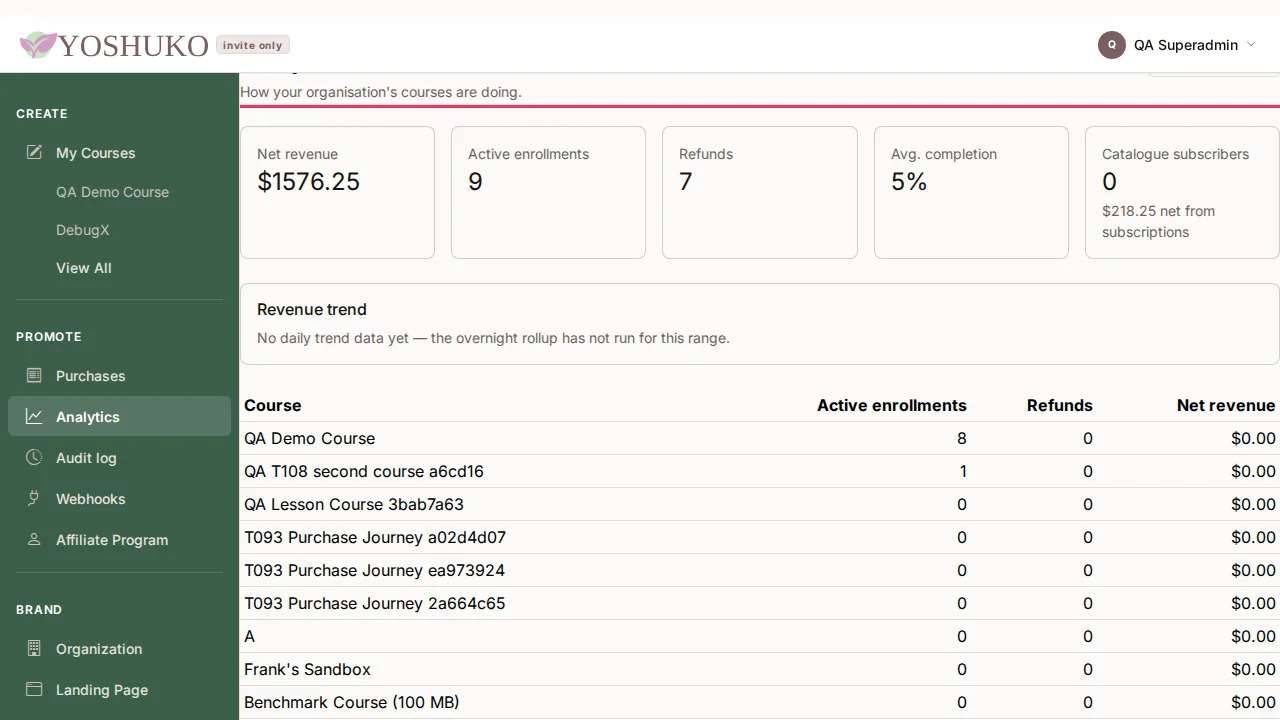
The page shows:
| Figure | What it is |
|---|---|
| Net revenue | What your courses earned in the range, after refunds. It includes catalogue subscriptions. |
| Active enrollments | Learners currently enrolled. |
| Refunds | Purchases refunded. |
| Avg. completion | How far, on average, learners have got through your courses. |
| Catalogue subscribers | People paying for your whole catalogue rather than one course. Their money belongs to no single course, so it appears here and in Net revenue, but not in the per-course table. |
| Revenue trend | A chart of daily net revenue. |
| Per-course table | Course, Active enrollments, Refunds and Net revenue for each course. |
Today's activity appears tomorrow
The Revenue trend chart is rebuilt overnight. For an up-to-the-minute list of sales, see Purchases — described in Payments, plans and coupons.
If something goes wrong
| You see | What it means | What to do |
|---|---|---|
| No activity yet — Once learners start enrolling in your courses, their activity will appear here. | Nobody has enrolled yet. Nothing is wrong. | Share your course listing or enrol learners. |
| No daily trend data yet — the overnight rollup has not run for this range. | The trend chart has not been built for this range yet. | Check back tomorrow, or choose a longer Time range. |
| Your analytics could not be loaded. | The dashboard did not load. | Press Try again. |
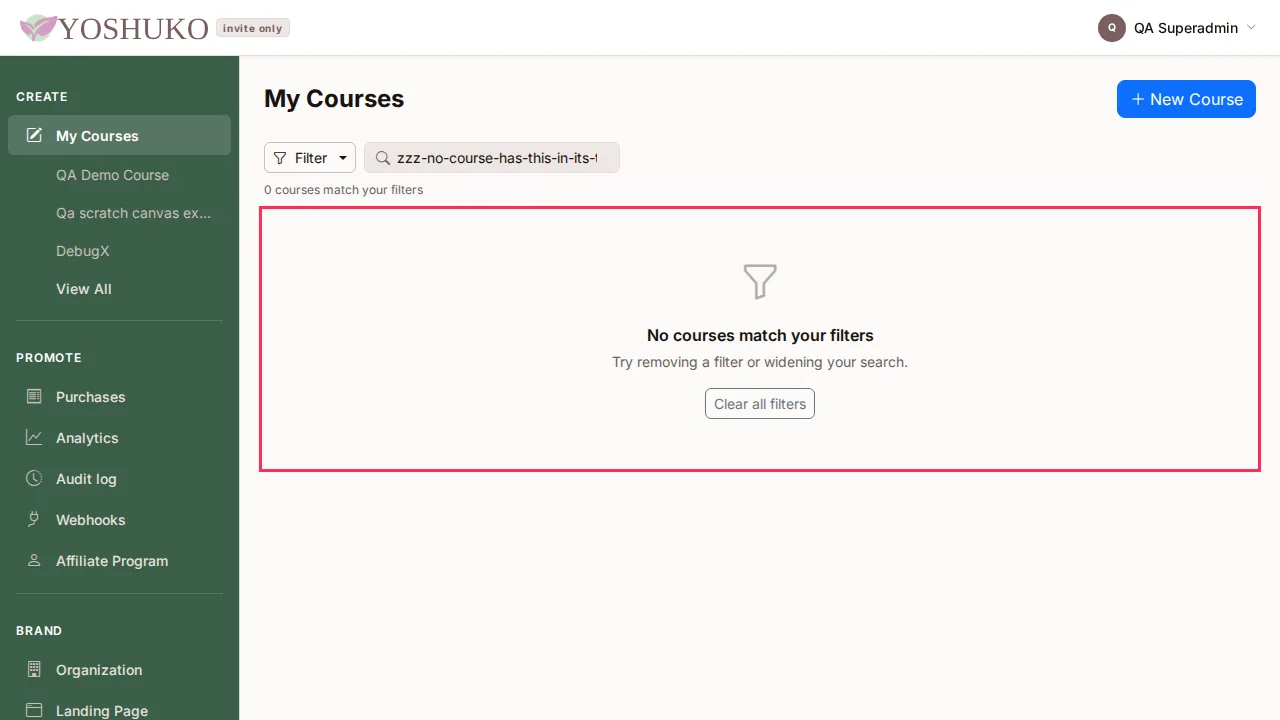
| No courses match your filters on My Courses | Your courses are there, but the search or filters hide them all. It is different from Ready to share your expertise?, which means you have no courses yet. | Press Clear all filters. |